

Adding online booking to a website sounds simple until the business must decide where the booking experience should appear. Some businesses send visitors to a separate booking page through a link. Others place the entire form directly inside a service page. A third option opens the booking form in a...
What Belongs in a Appointment Confirmation and Reminder Message

A customer has booked an appointment, but the communication process is not finished. The moments after booking and before the appointment can determine whether the customer arrives prepared, shows up at the correct location, or remembers the booking at all. A clear appointment confirmation reassures the customer that the appointment...
Blocking Time Off: Holidays, Leave, and Closures on a Booking Calendar
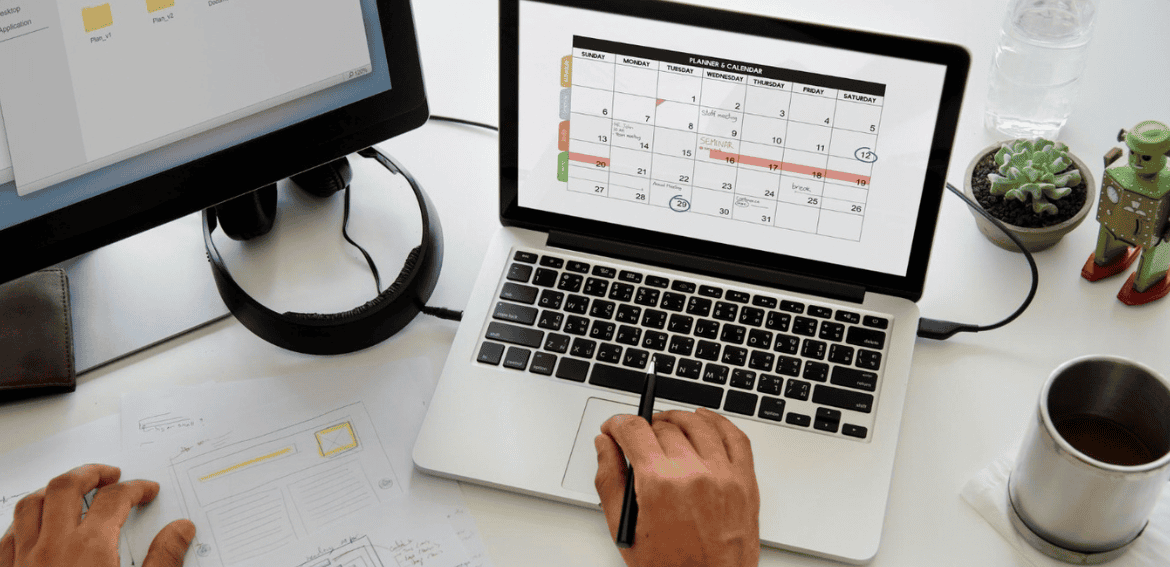
An online booking calendar is useful only when its availability reflects the time a business can genuinely offer. If a staff member is on leave, a location is closed, or a public holiday changes normal hours, customers should not be able to reserve an appointment that cannot be delivered. Even...
How Many Questions Should Your Booking Form Ask?
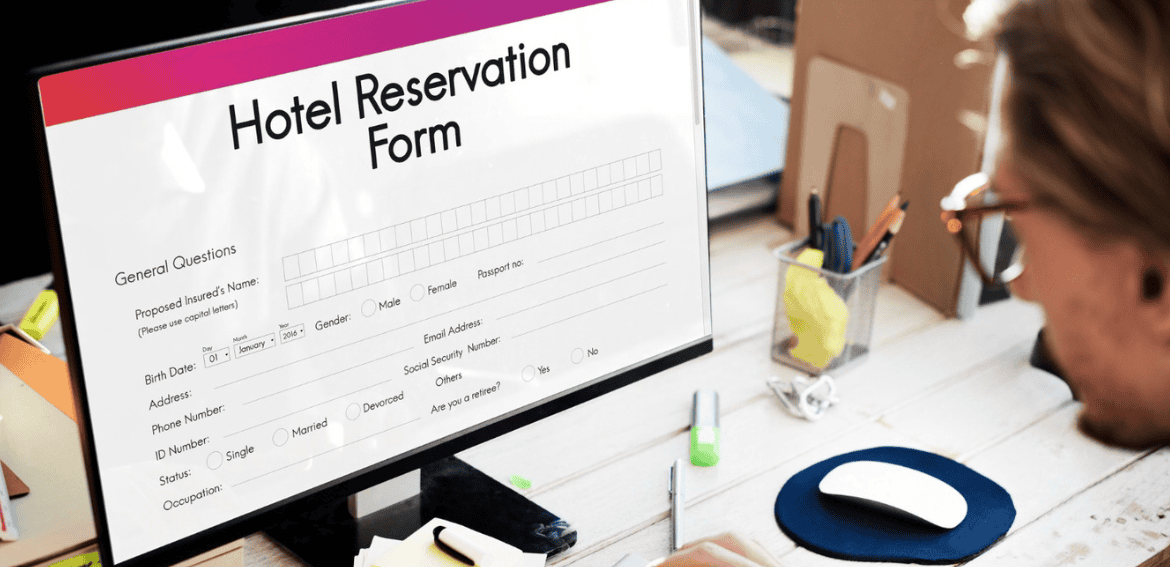
A booking form needs enough information to create a useful appointment, but every additional question gives the customer another reason to stop. A business may want to know the customer’s company, budget, preferred service, goals, location, telephone number, referral source, and special requirements. The customer, however, may simply want to...
Prefilled Booking Links: Passing Names, Emails, and Campaign Data Into the Form
Booking a meeting should be simple. A person chooses a time, confirms a few details, and receives an invitation. Yet even a short booking form can create unnecessary friction when someone has already shared their name and email address through a lead form, customer account, email campaign, or previous interaction....
Collective Scheduling vs Round Robin Scheduling for Team Meetings
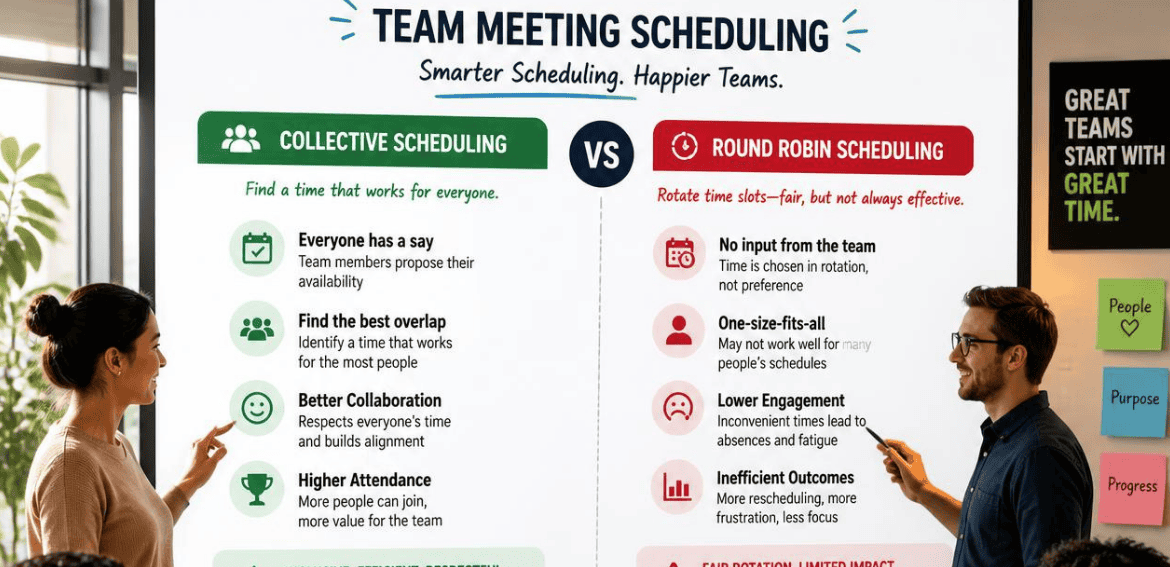
Your team just lost a warm lead. Not because your pitch was weak. Because nobody claimed the meeting fast enough, and the prospect booked a demo with a competitor instead. Scheduling slip-ups like this cost real revenue every single day. And most of the time, the fix comes down to...
Automatic Video Links: Connecting Zoom, Google Meet, and Teams to Your Bookings

Online meetings have become a normal part of everyday business. Consultants speak with clients remotely, recruiters conduct interviews online, tutors teach virtual lessons, sales teams demonstrate products, and service businesses use video calls for consultations before an in-person appointment. The meeting itself may be simple, but arranging it can become...
Let Them Pick, or Book First Available? Designing the Choice on Your Booking Page

Online booking is supposed to make scheduling easier, but one small decision can have a surprisingly large effect on whether customers complete the process. Should customers choose the specific person they want to see, or should the booking system automatically assign whoever is available first? For salons, spas, clinics, fitness...
Minimum Notice and Booking Windows: How Far Ahead People Should Be Able to Book

Online booking has made scheduling faster for both businesses and customers. Someone can choose a service, select an available time, enter payment information, and confirm an appointment without speaking to anyone. That convenience is valuable, but it creates an important operational question: how close to an appointment should customers be...
Track Booking Conversions in GA4: UTMs, Events, and Attribution
Getting people to visit a website is only the first part of digital marketing. For businesses that depend on appointments, reservations, consultations, classes, rentals, or scheduled services, the more important question is what visitors do after they arrive. A website may receive thousands of visits from Google Search, social media,...